How to install on Chrome Book?
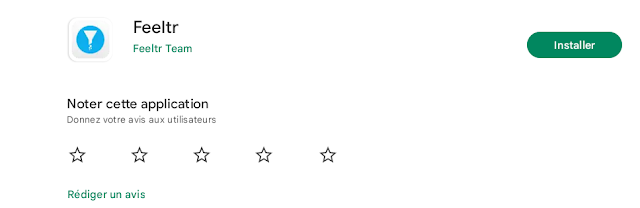
Go to Playstore App and search " Feeltr " on search bar Install the App on the Store 3. Open Feeltr and enter your license 4. Click OK to allow the app to configure itself as a default VPN The protection logo will appear at the bottom right of your Chromebook There you go ! You can now enjoy your browsing experience. Note : If you wish to access a site blocked by Feeltr, simply turn the button OFF and reload the site. You can also contact our support team (at bottom right) to let us know.